Product
One calm place to know your work.
Sclerite is organized around a small number of surfaces that work together — each a different way of looking at the same private, authorized understanding of your work.
Today
Know what matters, without opening ten files.
Today is a calm briefing: what changed, what is approaching, and what deserves a decision. It stays quiet when there is nothing worth surfacing and keeps the original evidence close.

Sclerite Workspace
Today
Sclerite
Good afternoon.
A calm briefing from the folders you chose.
Needs attention
Johnson Contract — payment terms changed
The latest revision moved from 15-day to 30-day terms. Worth a quick review before it's countersigned.
Worth reviewing
Two current Johnson totals disagree
Proposal: $26,950 · Estimate: $28,450
Ask Sclerite
Ask for clarity, context, and next steps grounded in your authorized work.
Watch
Let important changes find you.
Watch keeps the folders you choose current and surfaces meaningful changes, conflicting facts, approaching commitments, and missing follow-up. It uses the same authorized understanding as Today and Ask.
Sclerite Workspace
Watch
Quiet monitoring
Important changes find you.
Changed
Conflict
Approaching
Still open
Ask
Ask a direct question. Get an answer you can verify.
Ask Sclerite one precise question and get an answer grounded in the sources you've approved — with the exact evidence attached. When Sclerite doesn't have reliable evidence, it says so, rather than guessing.
Sclerite Workspace
Ask
Ask Sclerite
Direct answer
Net-30 from delivery. The most recent revision moved this from the prior 15-day term.
Evidence
Johnson Contract.pdf
Strong evidence“Payment shall be due net thirty (30) days from the date of delivery…”
Library
Control exactly what Sclerite is allowed to understand.
Library is where sources live: what's authorized, what isn't, and what's been removed. Add a folder deliberately, exclude what you don't want included, and review or revoke access at any time — changes take effect immediately and persist even after Sclerite restarts.
Sclerite Workspace
Library
Sources you control
Authorized, visible, and removable.
Project Files — Documents
412 items indexed
Client Contracts
38 items indexed
Personal Photos
Not granted
Old Client Folder (2022)
Access revoked
Settings & Trust
Privacy, access, and version identity in one place.
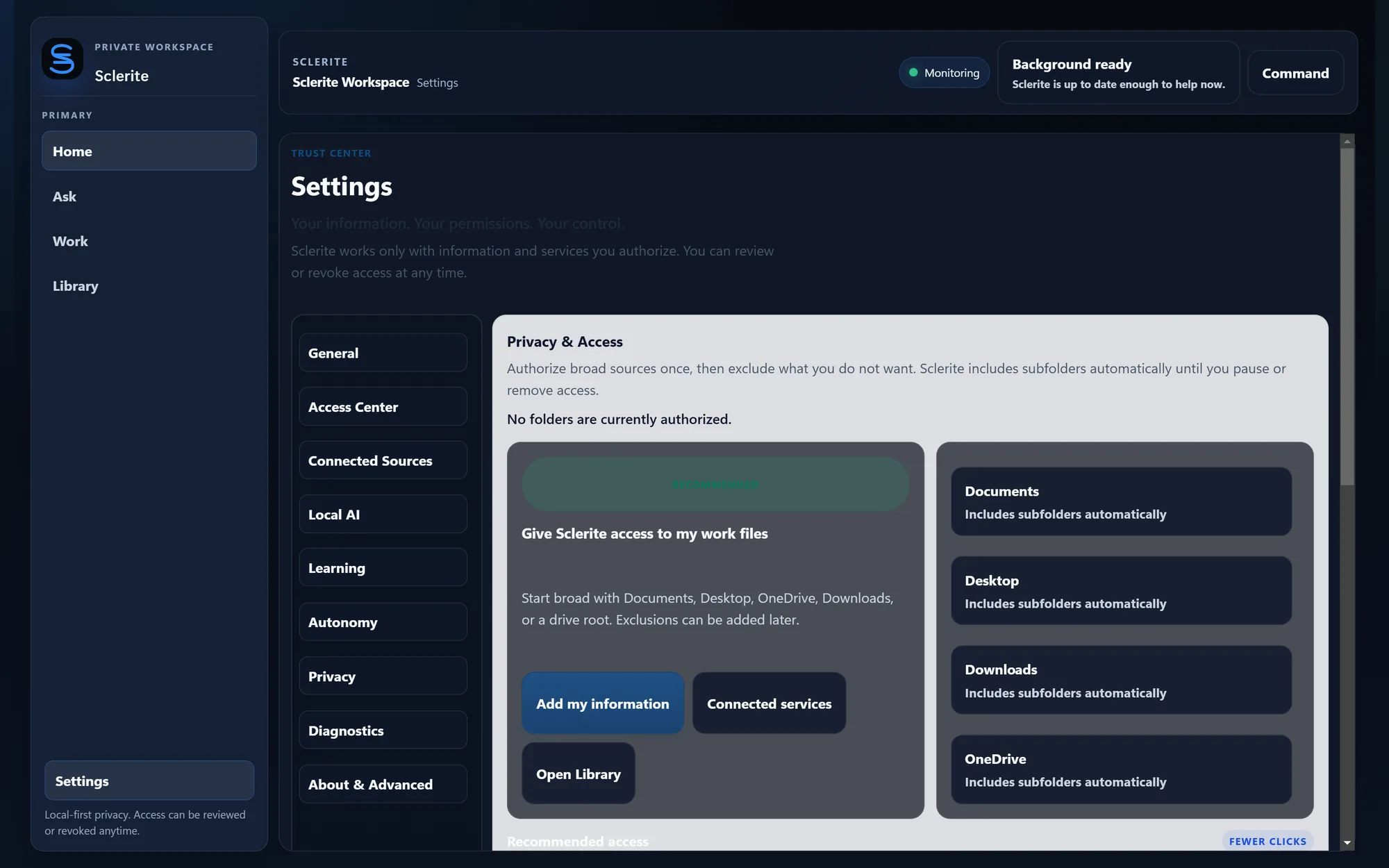
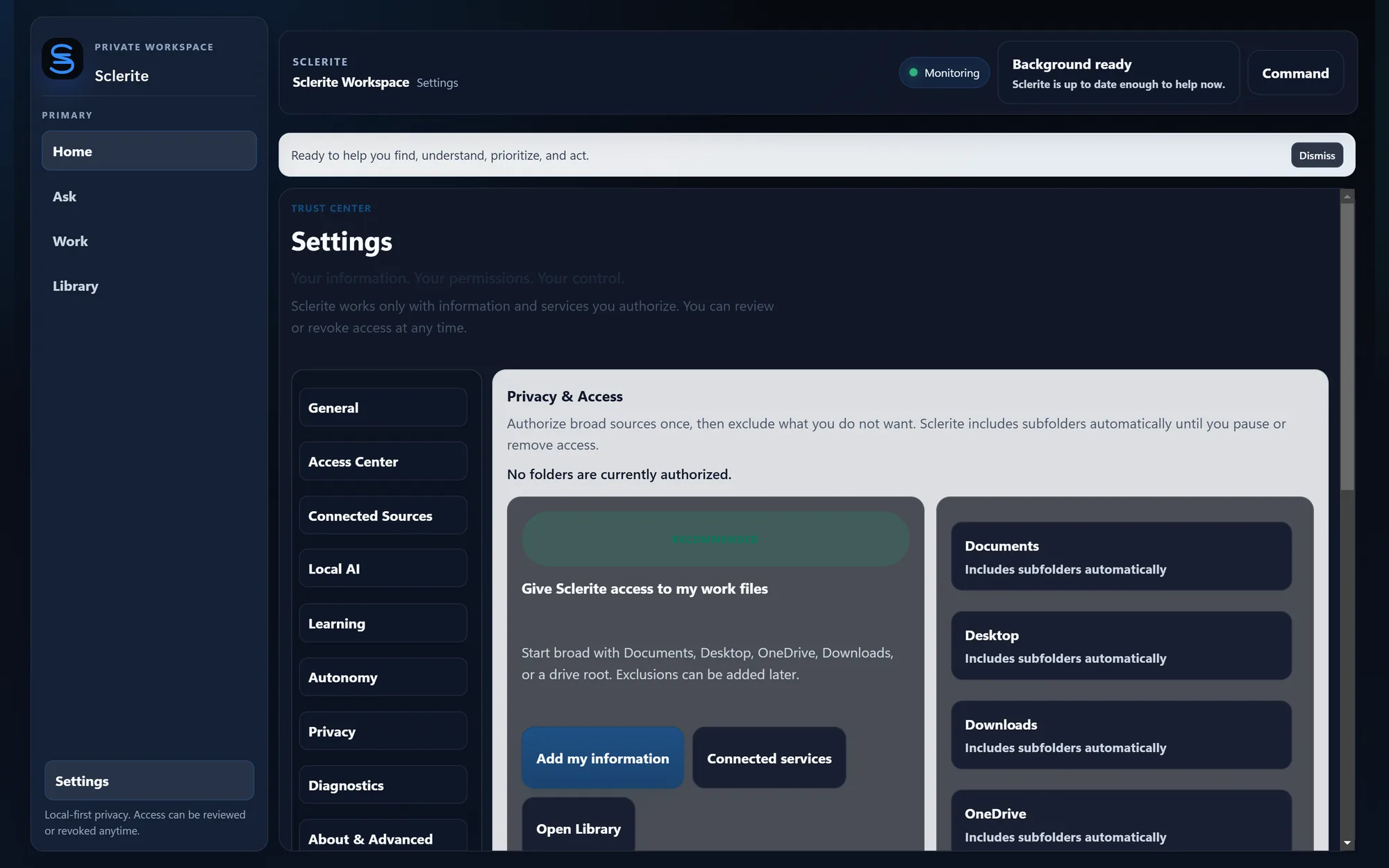
Settings is Sclerite's Trust Center: review and manage every authorized source, see the current version and build, generate diagnostics for support without sending your source files, and find the legal and support links your install is configured with.
Activity
A quick summary of what happened, not another inbox.
A lightweight Activity summary is available from the workspace toolbar with jumping-off points back to Today, Watch, Library, and Settings — a fast way to understand what happened without maintaining a separate history screen.